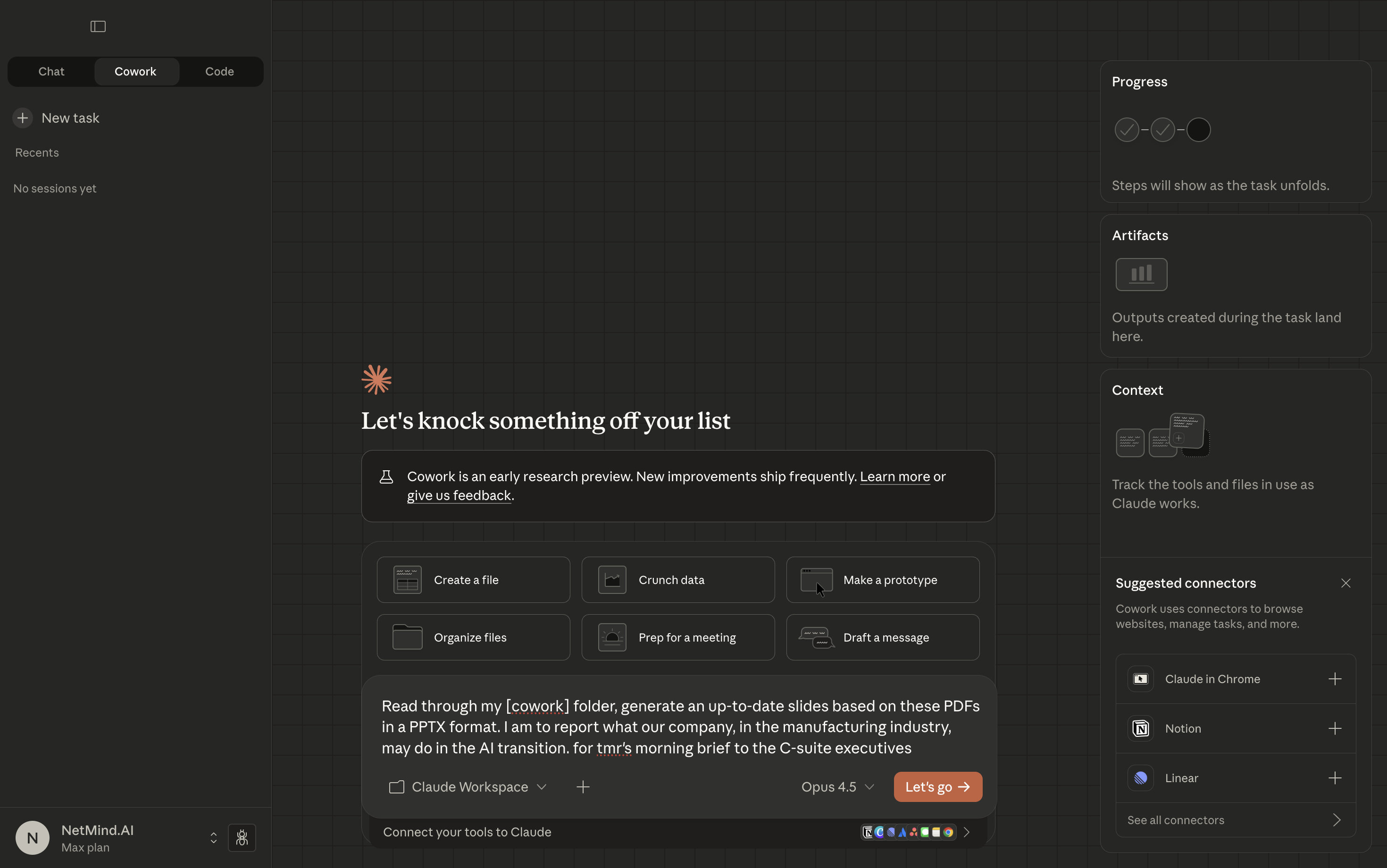
I was just asked by my colleague who, unfortunately, came into that Claude Cowork mis-deleting all the important files unexpectedly.
Prompting Claude Cowork with local documents
If you never tried Claude Code or other AI/vibe coding tools, no worries, you will definitely be amazed.
However, before that, there's one thing you might be unaware of
When Claude Cowork deletes something, it is possibly permanent deletion (when you delete something on your MacBook, it goes to the trash bin and you can restore it)
You think "I just want to organize my Downloads folder", you prompt it, and you click "Send", looking forward to the great result. Then Cowork understands "clean this up" as "delete all files that look unused."
By default, after you click on the "I accept the T&Cs" button without even opening it up (give a shout out if you read the T&Cs!), Cowork could easily have the right to read, write, or even delete anything you give it access to on your MacBook.
I am not sure about you, but I definitely do not want my work for the client meeting tmr to disappear, then trying to recover them in a panic.
So I am going to show you how to avoid this risk
Do not give Claude Cowork access to your real work folders. Actually,
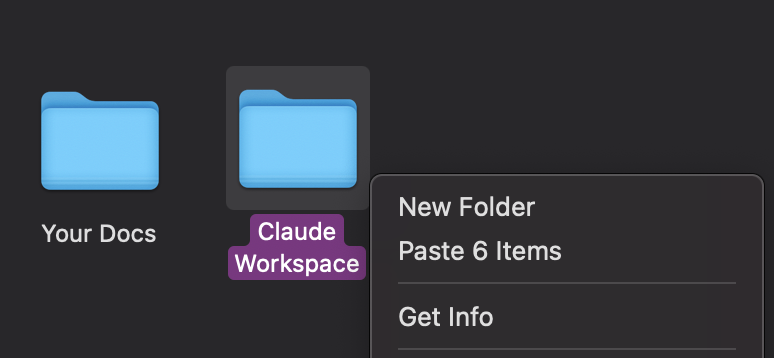
Try to create a seperate folder where mistakes are okay
Being polite with AI can be dangerous.
❌ Bad: "Could you organize these files?"
✅ Good: "Sort these 47 PDFs by date. DO NOT delete anything. Make folders named by year."
When you are more specific, Claude Cowork does not need to guess, and guessing is where problems happen.
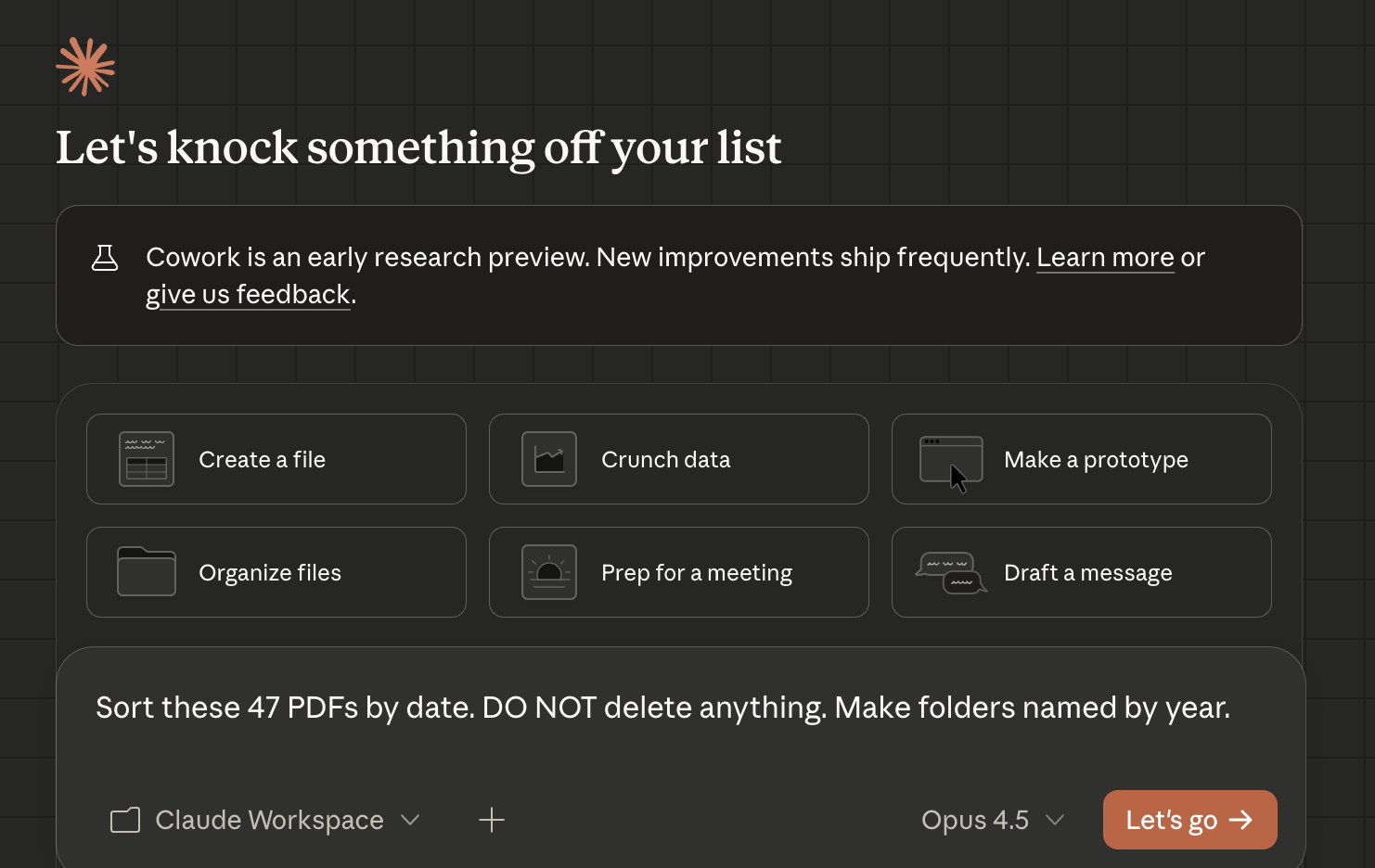
Being specific on your prompt is helpful
When Claude Cowork wants to delete/move/rename something:
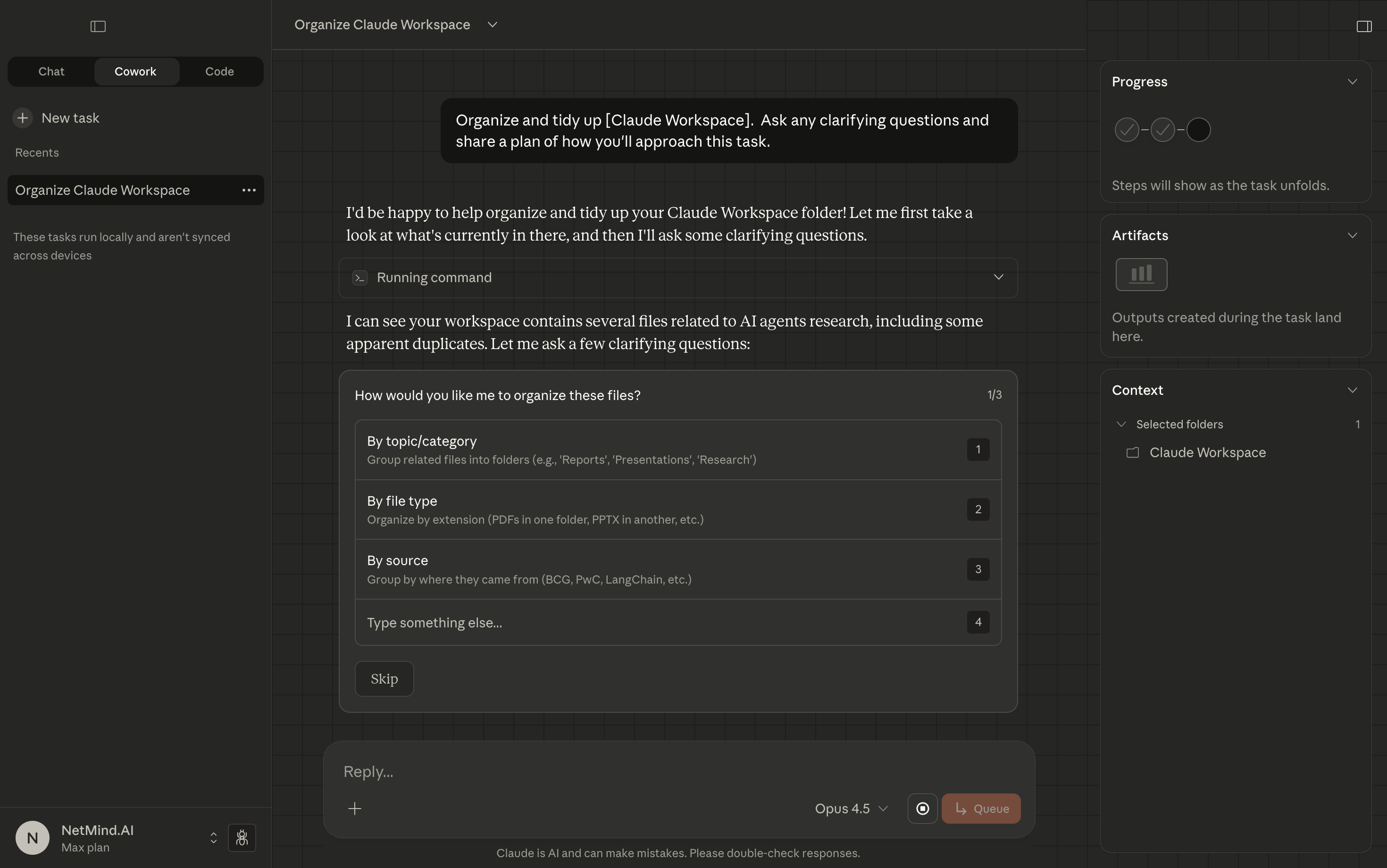
Be cautious on what Claude Cowork is about to do before you choose
Claude Cowork is fast & useful for people. But like driving a fast car, you want to drive it carefully.
Good news is all these protections are basically just asking you to think a bit differently:
Think of Claude Cowork as a smart intern who understands words literally, and has the key to your office.
You would not tell an intern "figure out my files by yourself." Same thing here.
User-Agent: